Parallax loading screen
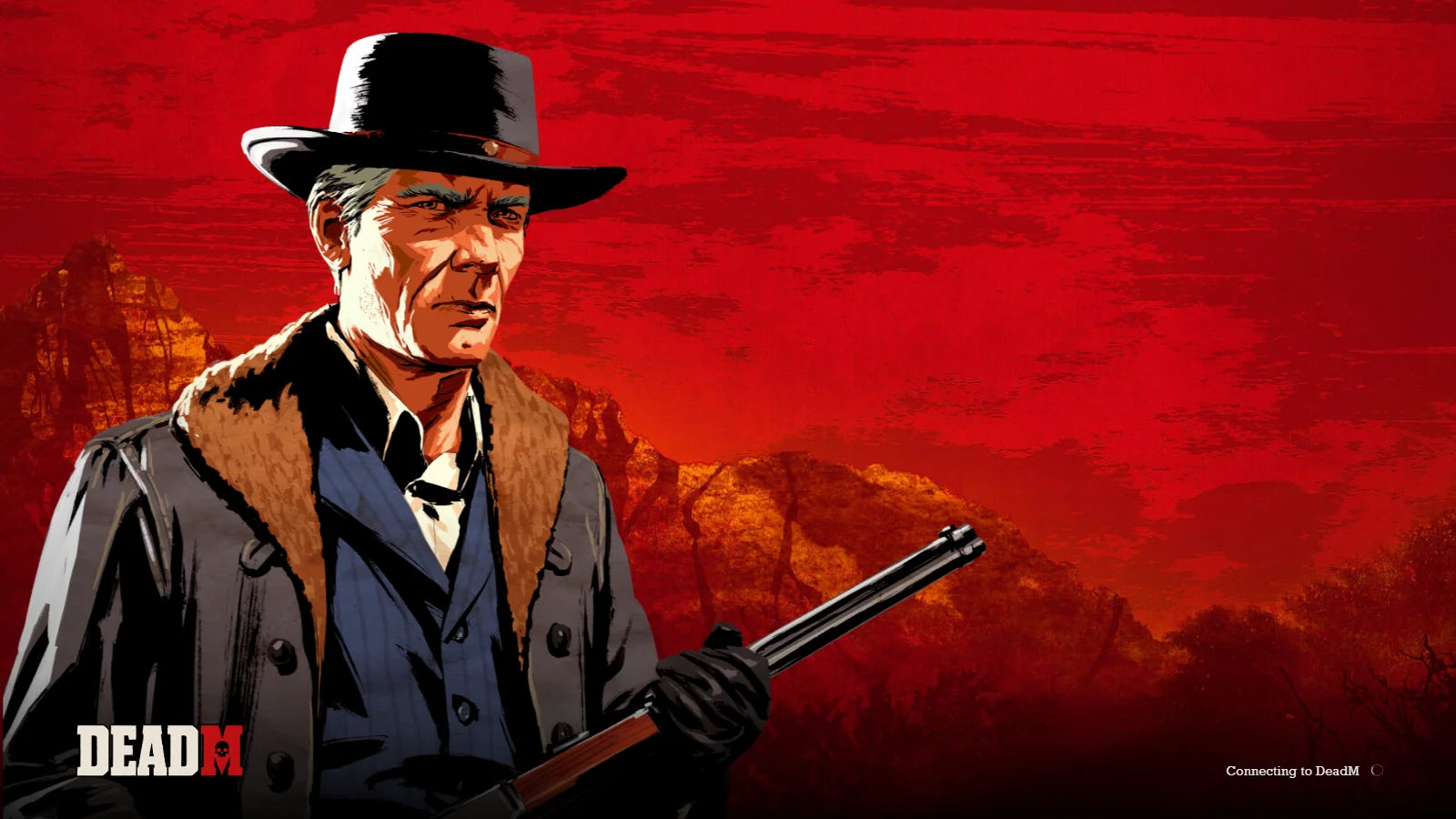
Loading screen.
Rotating artwork, gentle parallax and music welcome players before the DeadM splash and live Menu.
- Layered illustration and gentle motion
- Rotating character artwork
- Loading → DeadM splash → live Menu
DeadM Creator · For RedM server owners
From your first loading screen to a saved character. Create an editable player character or start with supported native NPC Heritage, then groom, dress and keep the looks you make.
Packaged and tested with VORP · Sales closed
The packaged Creator
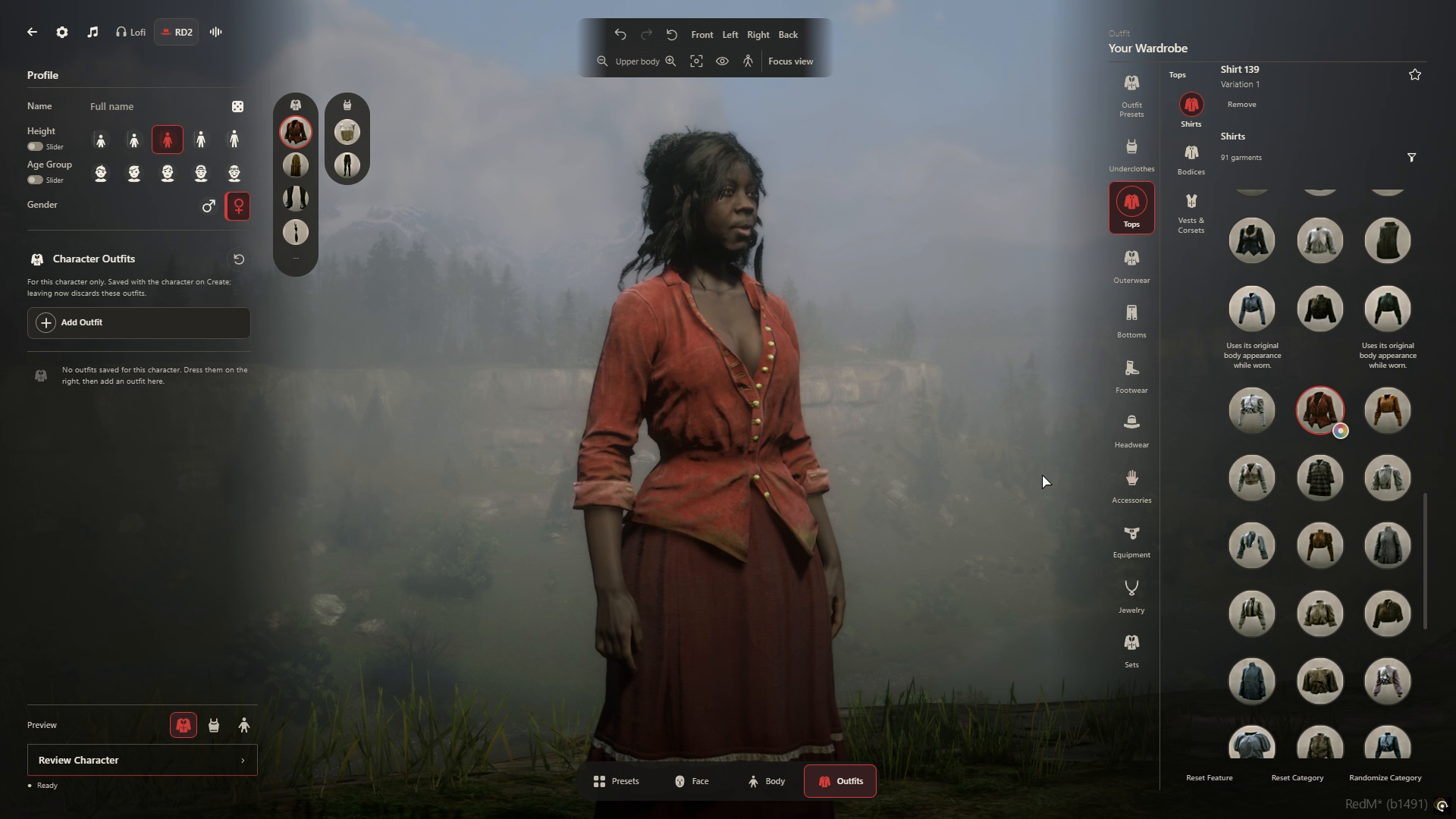
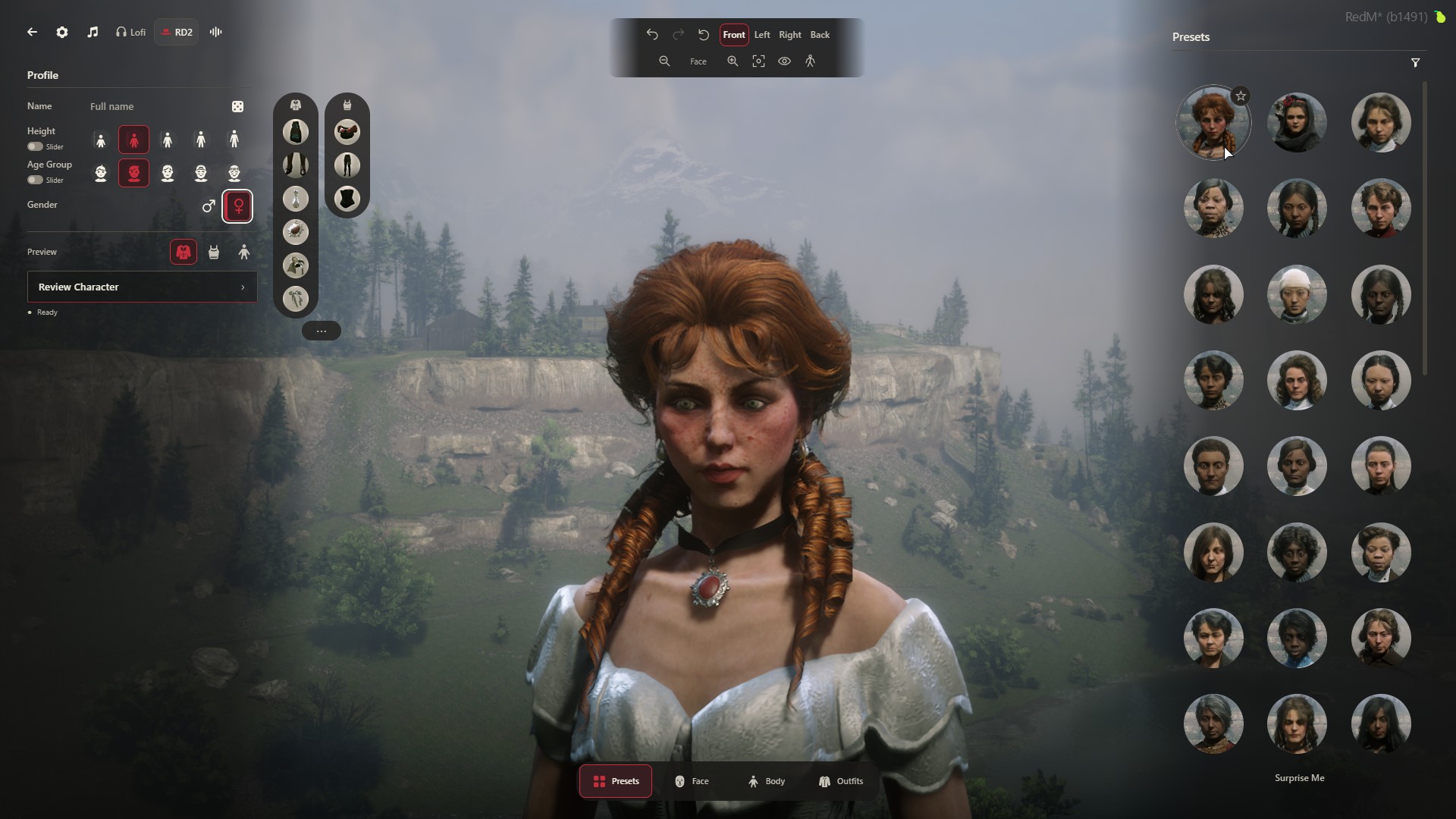
Native faces, hair, clothing and accessories, with live previews, Undo and Redo. Save the character you make, keep personal Presets and share selected looks with your server.
Included in Creator
A complete arrival and appearance package: loading screen, DeadM splash, live main menu, character creation and selection, grooming, wardrobe and personal or Community Presets.
Parallax loading screen
Rotating artwork, gentle parallax and music welcome players before the DeadM splash and live Menu.
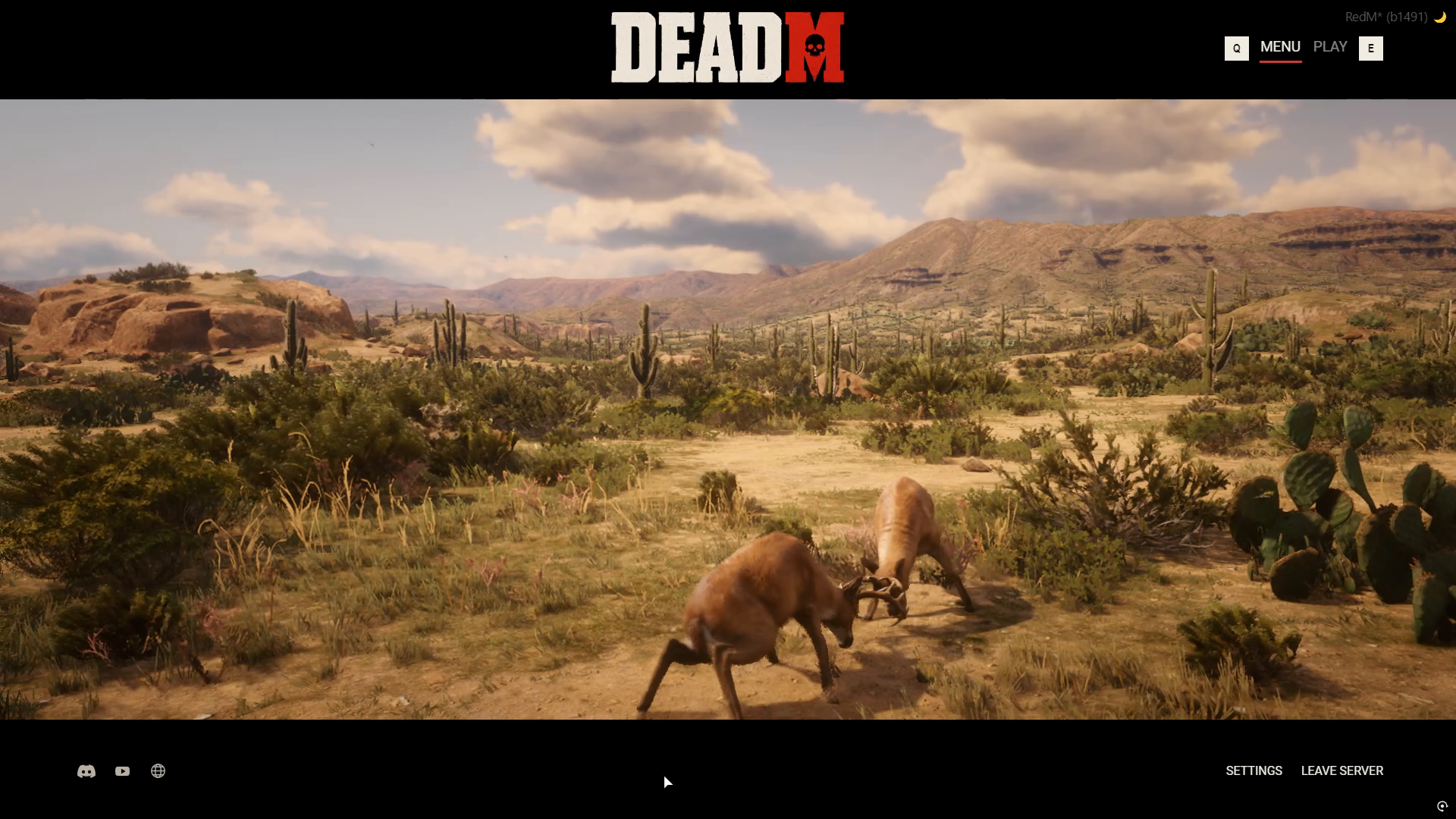
Live main menu
The Menu looks into the live game world: people at work, travellers on the road, chance encounters and wildlife following native routines.
Creator, editor & selection
Create a character, select from your saved roster or edit supported appearance choices. Preview changes with Undo & Redo before saving.
In-game access & community libraries
Save your own character and outfit Presets. Publish the ones you choose to your server’s Community collection, then unpublish without losing your private copy.
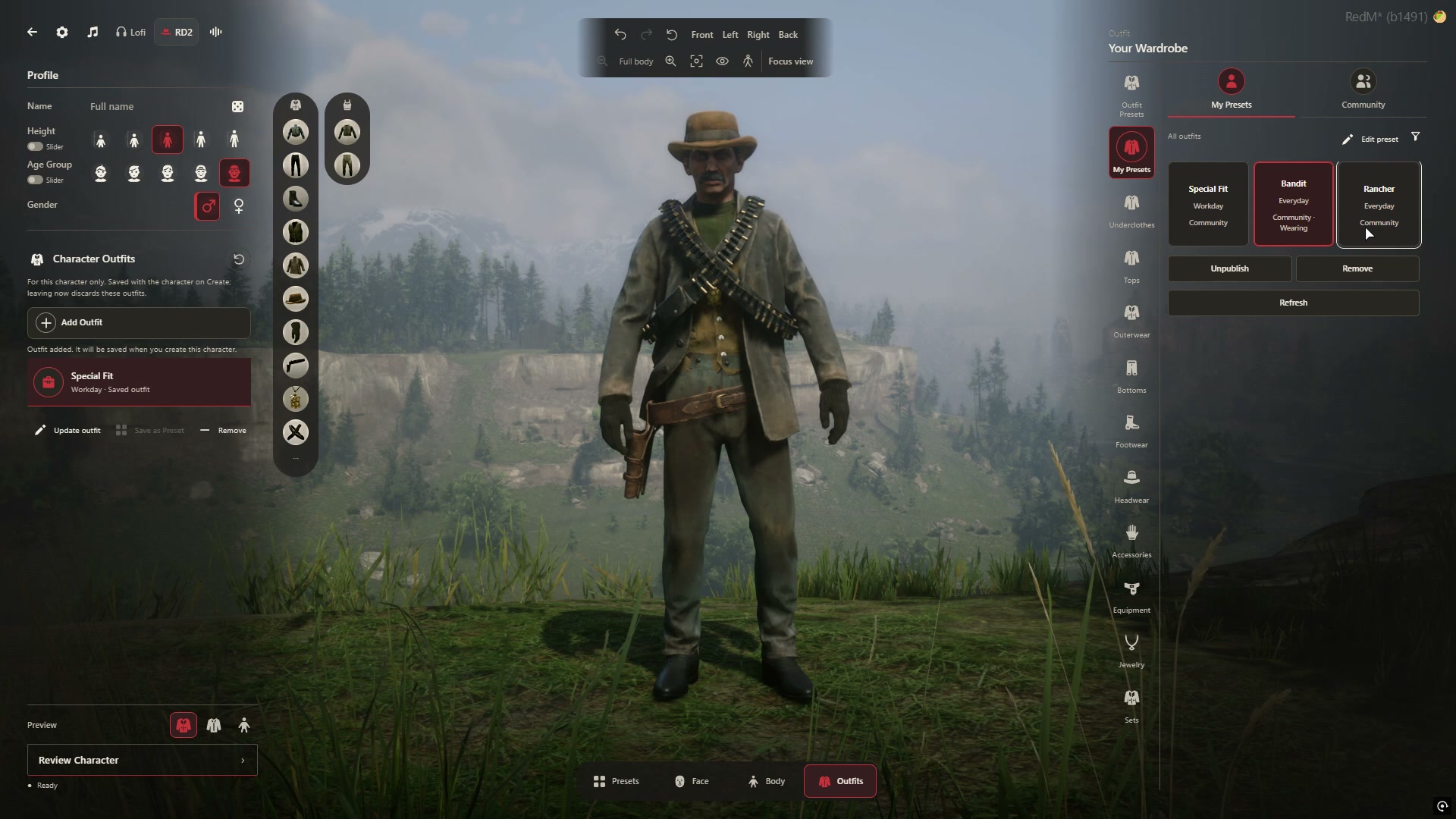
Presets and Community sharing use your server’s own database. Available appearance and styling choices depend on the selected character and body.
Native game content
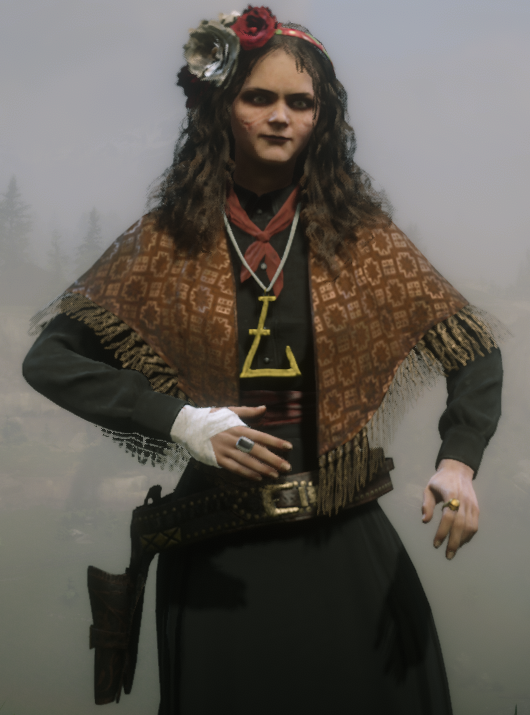
Choose editable player characters or supported Red Dead Redemption 2 NPC starting looks. Groom, dress and accessorize them using options matched to the selected character and body.
The characters, hair and wardrobe come from the game itself. No separate custom character or clothing pack is required.
NPC faces preserve their authored shape. Original-body characters retain their matched body and styling requirements. Available hair, clothing and accessories vary by character and supported body. Final download size will be published at release.
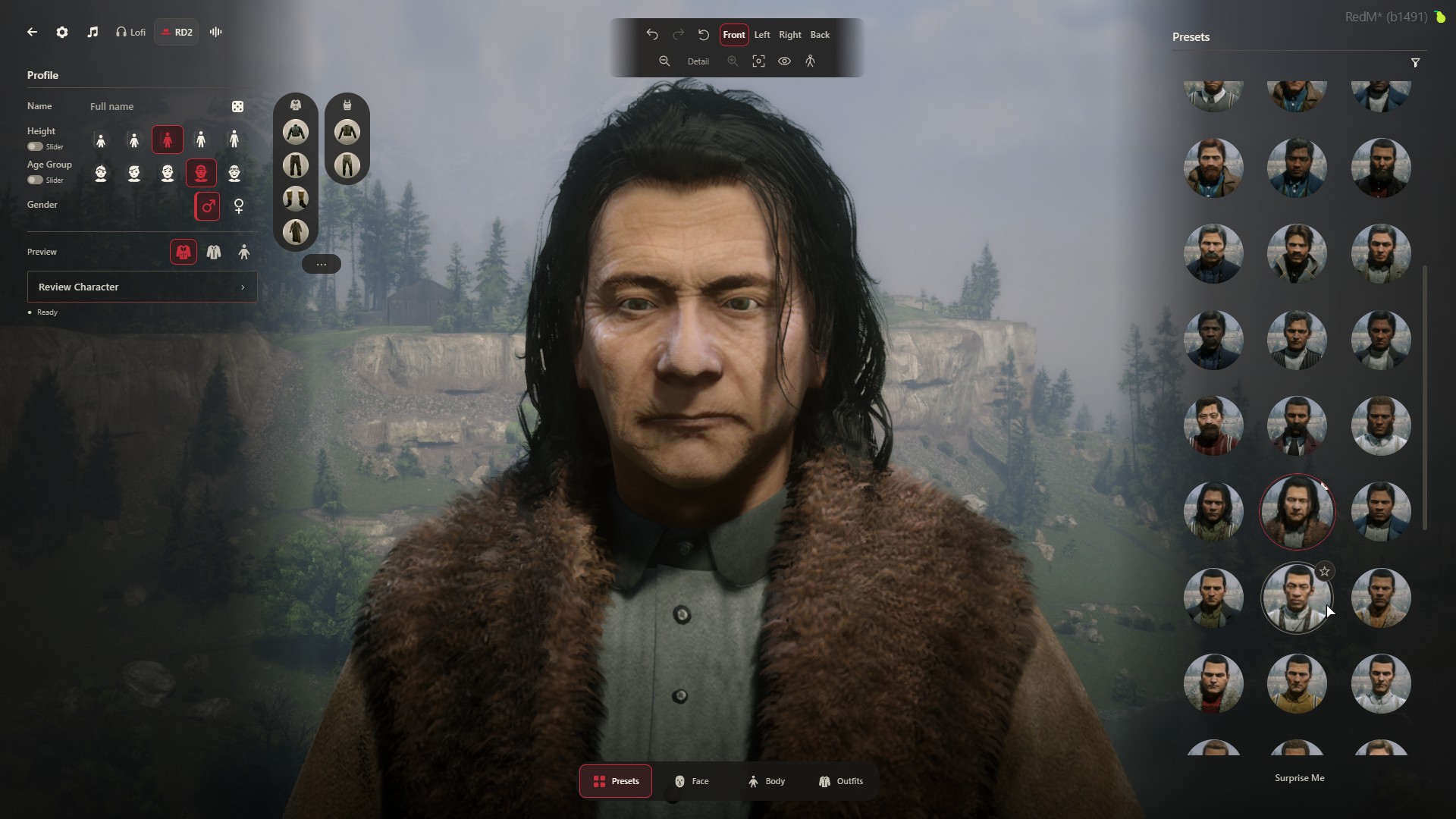
Creator tools
Explore supported face and body edits, grooming, wardrobe and saved-look libraries. Available controls depend on the chosen character.
Face & body
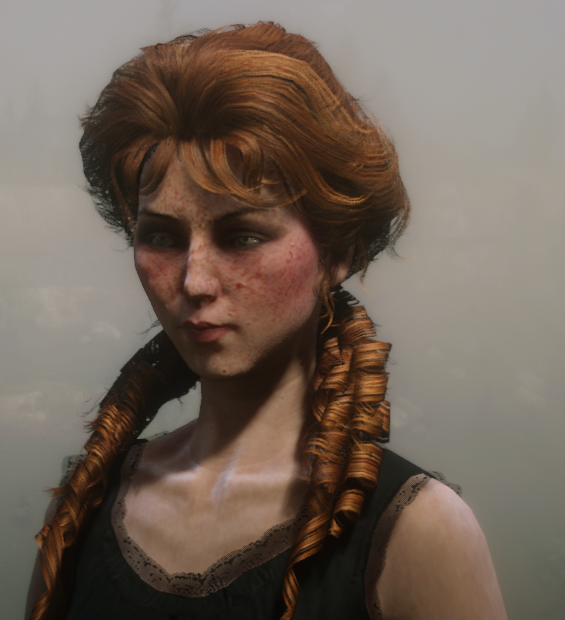
Choose an editable player character or supported NPC Heritage. Appearance and body edits vary by character; NPC faces retain their authored shape.
Each Heritage has its own supported edits. Original-body characters retain their matched body and styling requirements.
Return to your look
Character creation is the beginning. Return to the included styling tools during play.
Open clothing and outfit tools to change the look you wear.
Return to supported hair, facial hair, makeup and appearance tools.
Access the full character editor and return to the main Menu.
Editing options depend on the selected character. Editable player faces support facial adjustments; NPC Heritage keeps its authored facial shape.
Inside the Creator
Open a capture to inspect the complete Creator interface.
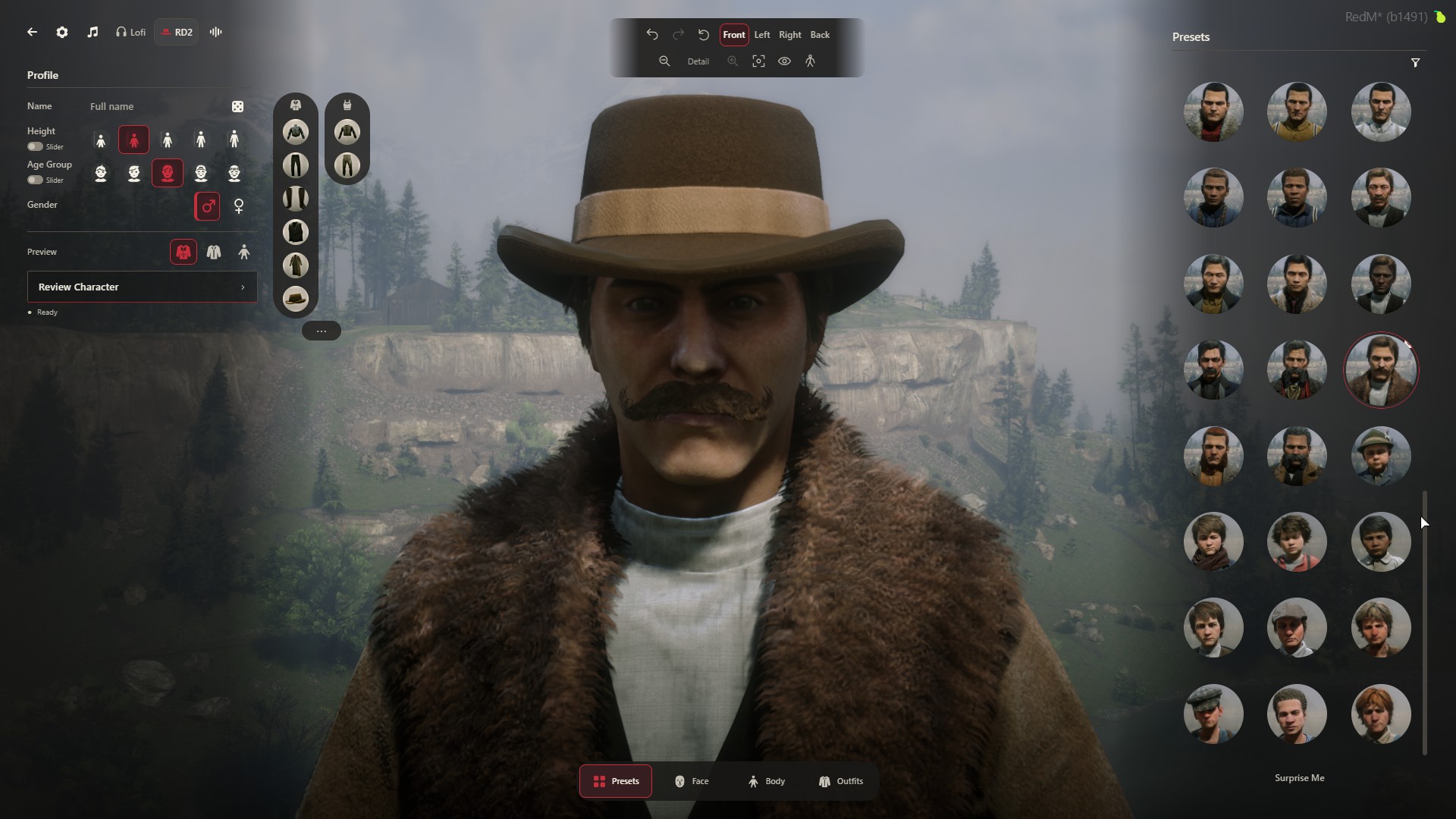
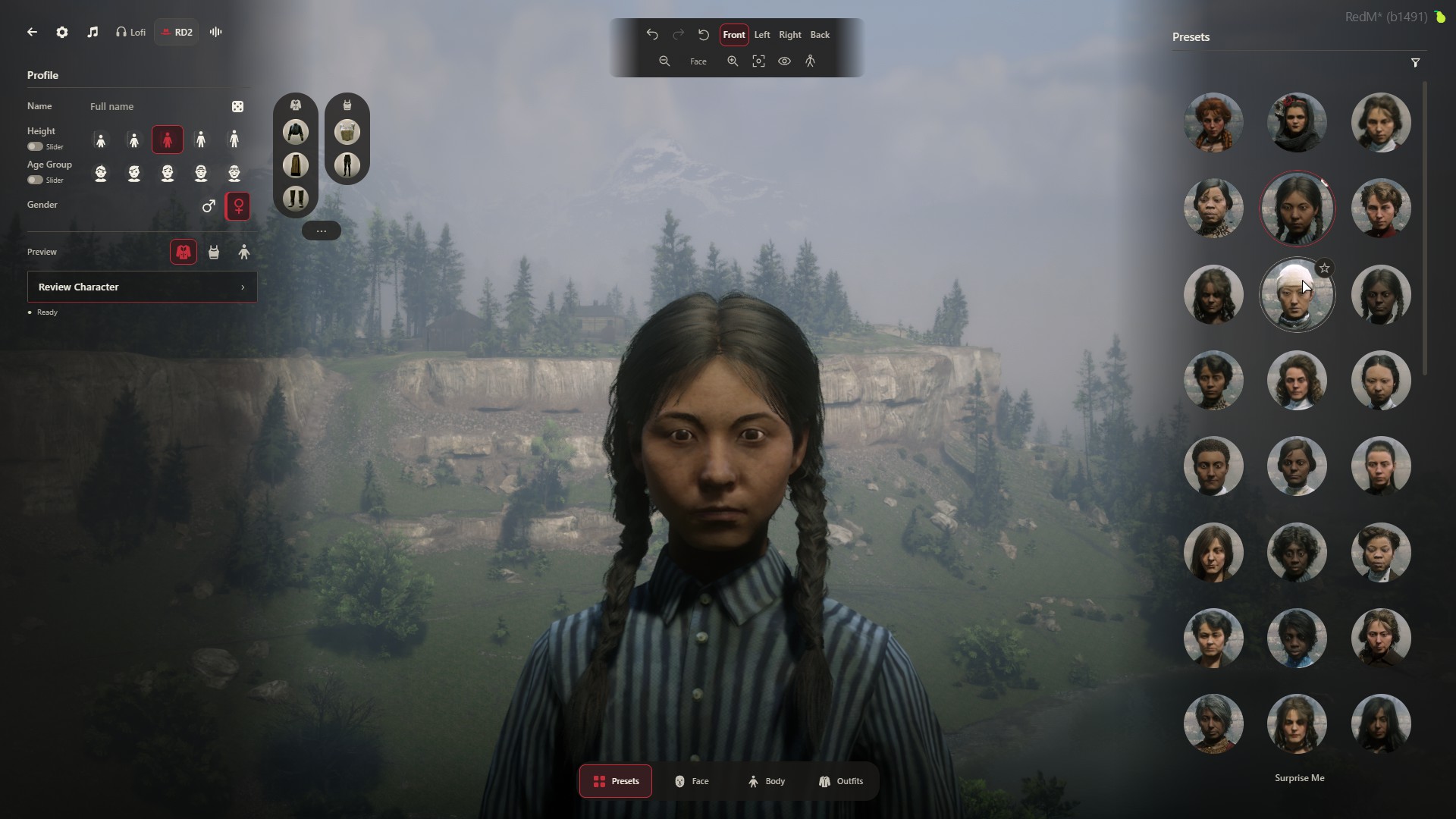
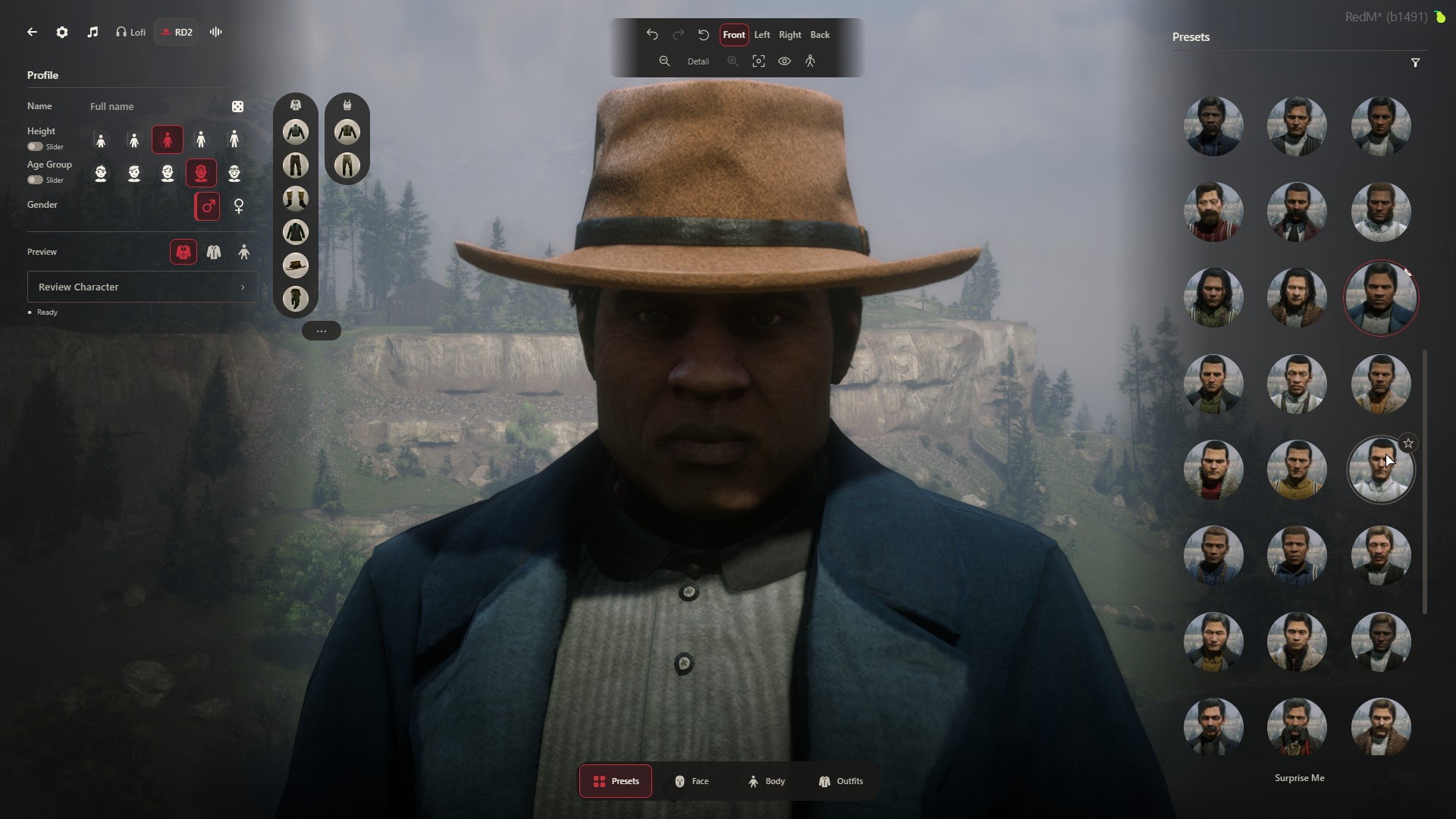
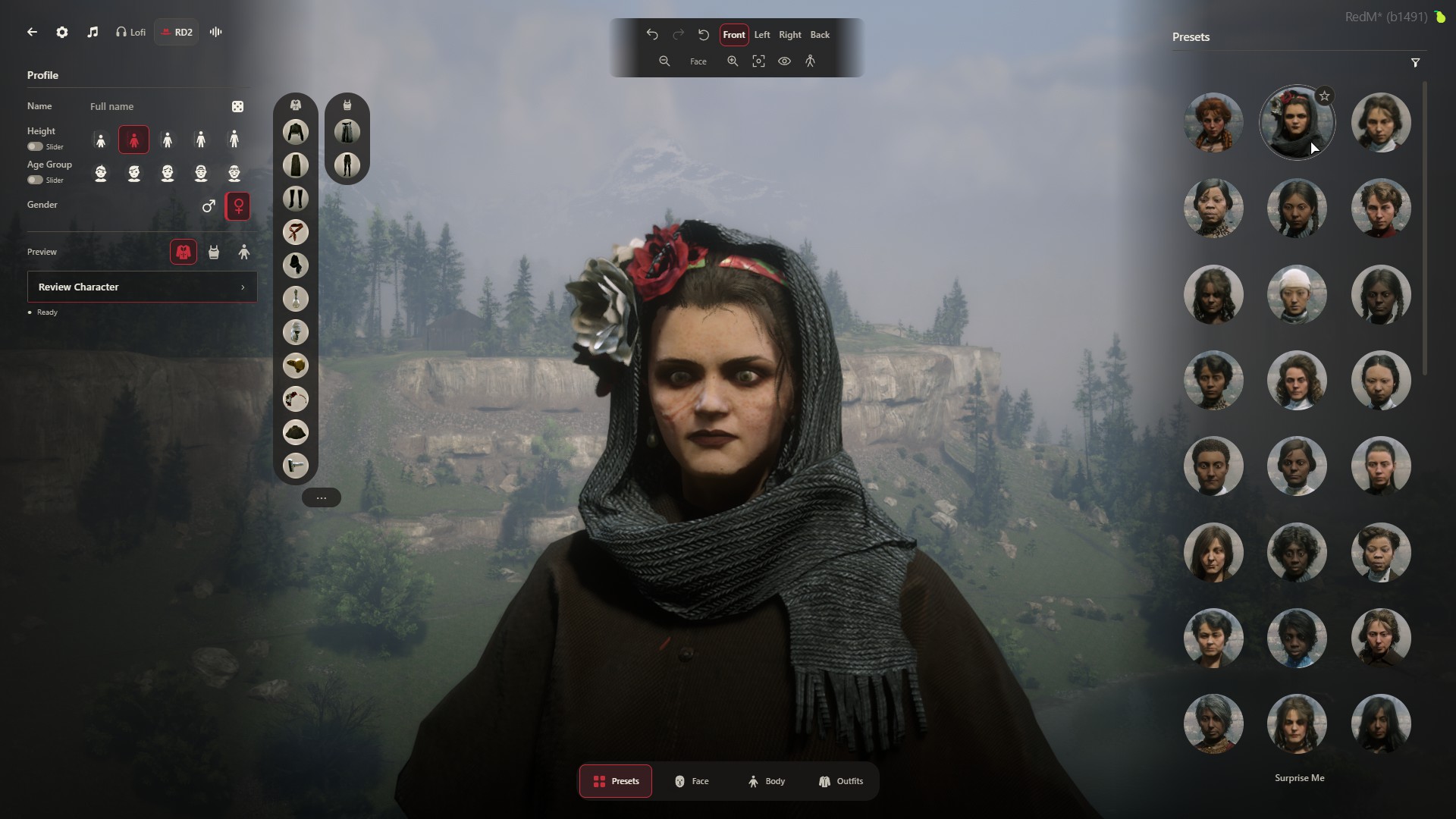
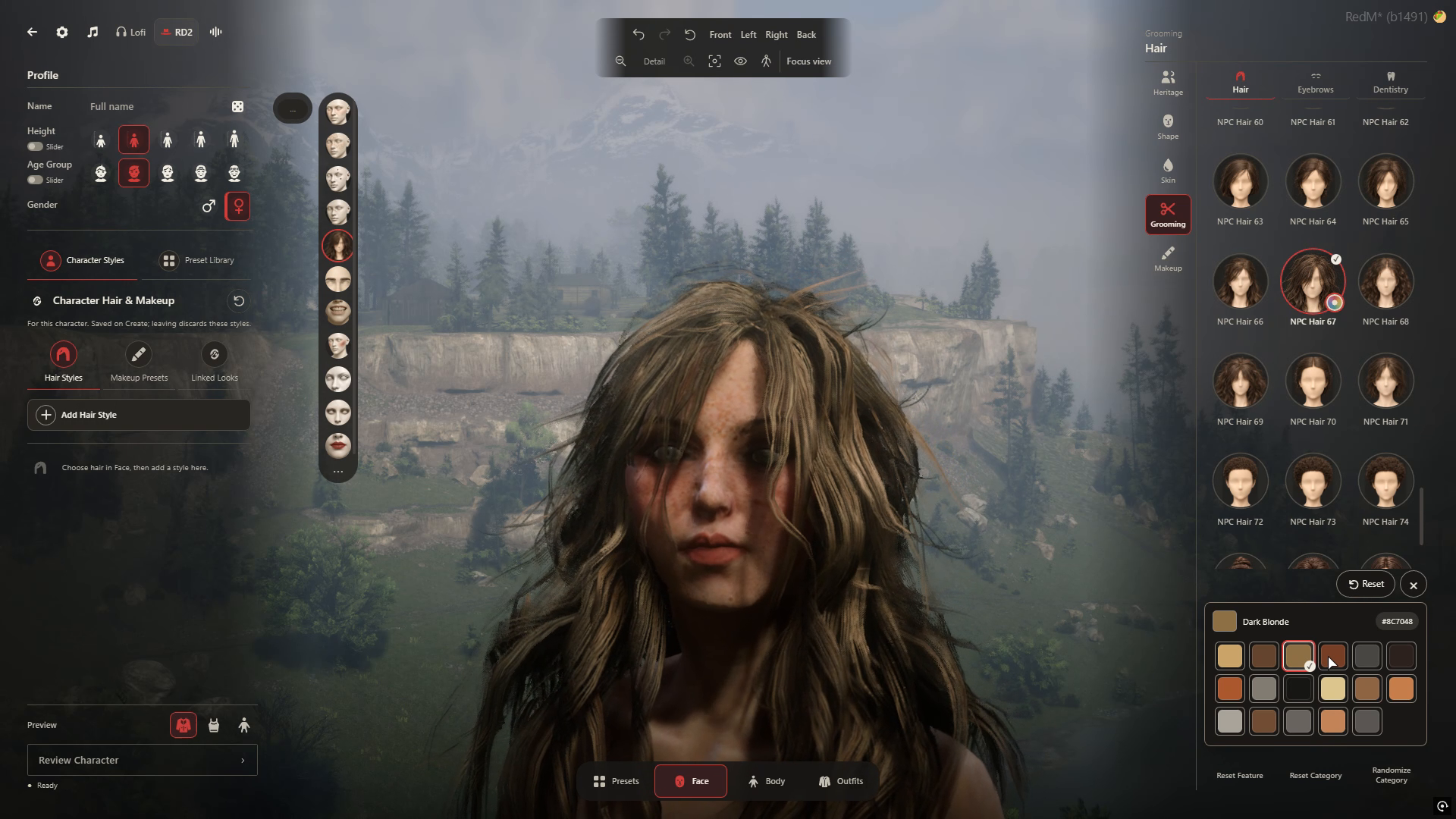
Character portraits are from the November 1 Creator session; wardrobe, grooming, Preset and Menu views are from later in-game captures. Full-size views preserve the complete captured interface.
The Creator trailer · 45 seconds
See the Creator in game: native Heritage browsing, appearance editing, grooming, wardrobe and Presets, followed by the live Menu.
For server owners
Start with the tested VORP configuration. Review your framework version and existing resources before installing; sales remain closed while release setup is completed.
Sales are not open. Access is for server owners; players do not need individual DeadM subscriptions. Try the Creator on DeadM World before buying.
The packaged Creator has been tested with VORP Core 3.3 and Inventory 1.1. Modified forks need review. Other frameworks, including RSG, are outside this release.
The VORP setup uses your existing oxmysql, vorp_lib and database. Your spawning resource stays in charge after character handoff. Review the installation guide for your version before replacing a creator.
Existing characters and original appearance records were retained on the tested VORP configuration. The installer checks supported provider sources and keeps backups; modified versions need review.
Readable settings in config.lua let you replace the Menu and Play header image, use your own loading-corner PNG and set community links. The central DeadM startup splash remains part of the package.
Both purchase options include the same Creator features and updates while maintained. Licence and support terms will be published before sales open. For questions about your setup, contact hello@deadm.store.
Server-owner access
Choose monthly or one-time access for your server. Players do not need individual DeadM subscriptions. Sales remain closed while delivery and checkout are prepared.
Server-owner access
$14.99USD / month
The complete Creator, billed monthly.
Coming soon · Sales closed
Server-owner access
$499USD one-time
The complete Creator. No recurring fee.
Coming soon · Sales closed
Both options include the same Creator package and updates while the product is maintained. No trial is offered. Try the Creator on DeadM World before buying.
Applicable taxes are shown at checkout.
Sales closed. Launch pricing is shown above. Delivery through Cfx.re Asset Escrow and Tebex checkout are being prepared; purchasing is not enabled. Billing, cancellation, licence and support terms will be published before sales open.
DeadM · Updates
Creator previews, release news, and the first word on access. Follow the launch on Discord.
Talk RedM, share your characters, and help shape what comes next.

Before you begin
The package connects a parallax loading screen, the DeadM splash, a live main menu, character creation, supported appearance editing and character selection. It also includes barber tools, outfit design, in-game access, personal saved outfits, Community outfits and Community character presets. Explore the package.
No separate custom character or clothing pack is required. DeadM uses the game’s native characters, hair, clothes and accessories. NPC styling is matched to supported characters and bodies; it does not make every garment fit every NPC. The final commercial download size will be published at release.
No. This is the loading, live Menu and Creator package. DeadM World walk styles, health and combat systems are not included.
RedM server owners who want a connected character, grooming, wardrobe and saved-look experience for their community. DeadM Creator is the Character Suite package; individual players will not need a separate DeadM subscription.
Sales are not open yet. Choose $14.99 USD per month or a $499 USD one-time purchase when sales open. Both include the same Creator features and updates while maintained. The one-time purchase has no recurring fee. No trial is offered. Release timing and final terms will be announced on Discord. This preview does not collect payments.
Yes. Try the Creator on DeadM World, our playable RedM showcase. The World page has the current early-testing and connection information. The server-owner subscription is separate from playing on World.
No. Editable faces support facial adjustments; NPC Heritage retains its authored facial shape. Hair, body, height, garment fit and styling options depend on the selected Heritage and its supported body. The full character editor remains available through F5, with supported face and body editing for editable player characters. NPC Heritage still keeps its authored facial shape.
No. Character and reusable outfit presets stay in your private library unless you publish them to your server’s Community collection. Unpublish removes a shared preset while keeping your private copy. Character-owned outfits stay private; not every saved-look type supports publishing.
Undo and Redo let you revisit appearance changes. Turn, zoom and recenter the character camera to inspect your work before saving a look.
The current package targets VORP Core 3.3 and Inventory 1.1 with your existing oxmysql, vorp_lib and database. Character creation, saving, Presets, Community sharing and the loading-to-Menu transition have been tested on that setup. Modified forks need review; other frameworks are outside this release. Review the current server details.
Yes. Readable config.lua settings cover the Menu and Play header image and community links. You can replace the loading-corner PNG. The central DeadM startup splash stays part of the package. Core Lua delivery is being prepared through Cfx.re Asset Escrow; configuration and designated integration files remain readable.